The security feedback layer for coding agents. Find, fix, verify before commit. Discover More
StackHawk logo featuring a stylized hawk icon on the left and STACKHAWK in bold, uppercase letters to the right. The white text and icon on a light gray background reflect its focus on Shift-Left Security in CI/CD.



The security feedback layer for coding agents

StackHawk embeds runtime security testing directly inside your AI coding agents so exploitable vulnerabilities are fixed, and code is verified secure before it even hits your pipeline.

M
See StackHawk in Action
See how StackHawk can transform your AI coding agent into your AppSec force multiplier.

For more information about how StackHawk handles your personal data, please see our Privacy Policy.

A hexagon with a white abstract logo is in the center, connected by lines to various app icons, including Google and Asana, on either side, indicating data integration or workflow automation.

Legacy AppSec can’t keep up with AI development

Code volume is exploding while exploit windows are collapsing. Legacy AppSec tools don’t solve for either—critical vulns reach prod and backlogs keep growing. We need a new approach.
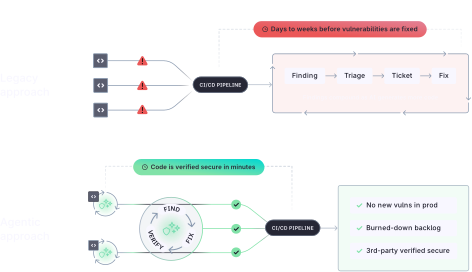
A comparison diagram shows two software security pipelines. The top highlights slow vulnerability fixes (days to weeks), while the bottom shows a process where code is verified secure in minutes, with benefits listed on the right.

Secure AI-generated code within the agentic loop

StackHawk is built for the reality that time-to-exploit has collapsed, and AI demands new processes to match its speed.

A blue outlined gear icon with a padlock symbol in the center, representing GraphQL & gRPC API Security settings, on a light blue background.

Runtime testing from within your coding agent

As features complete, your agent automatically kicks off StackHawk’s runtime application security testing.

A turquoise line drawing of a web browser window with a wrench in front, symbolizing Dynamic Application Security Testing (DAST) tools and website settings on a light blue background.

Fix critical vulnerabilities in the same session

Your agent parses StackHawk findings, leveraging its existing application context to take action.

A turquoise, three-dimensional lightning bolt icon is displayed on a pale blue background, symbolizing AppSec Risk Prioritization.

Auto-verify and rescan until verified secure

StackHawk works with your agent to fix and retest on loop until code is secure and ready to commit.

The only AppSec testing tool purpose-built for AI coding

StackHawk’s portable scanner, microservice-first architecture, and custom-built agentic skills are exactly what coding agents need to run security inside the loop.

A central icon of two overlapping tickets is surrounded by five circular icons connected by dotted lines, each representing different services or features, arranged in an orbital pattern on a light background.

Embeds into any Frontier Lab model

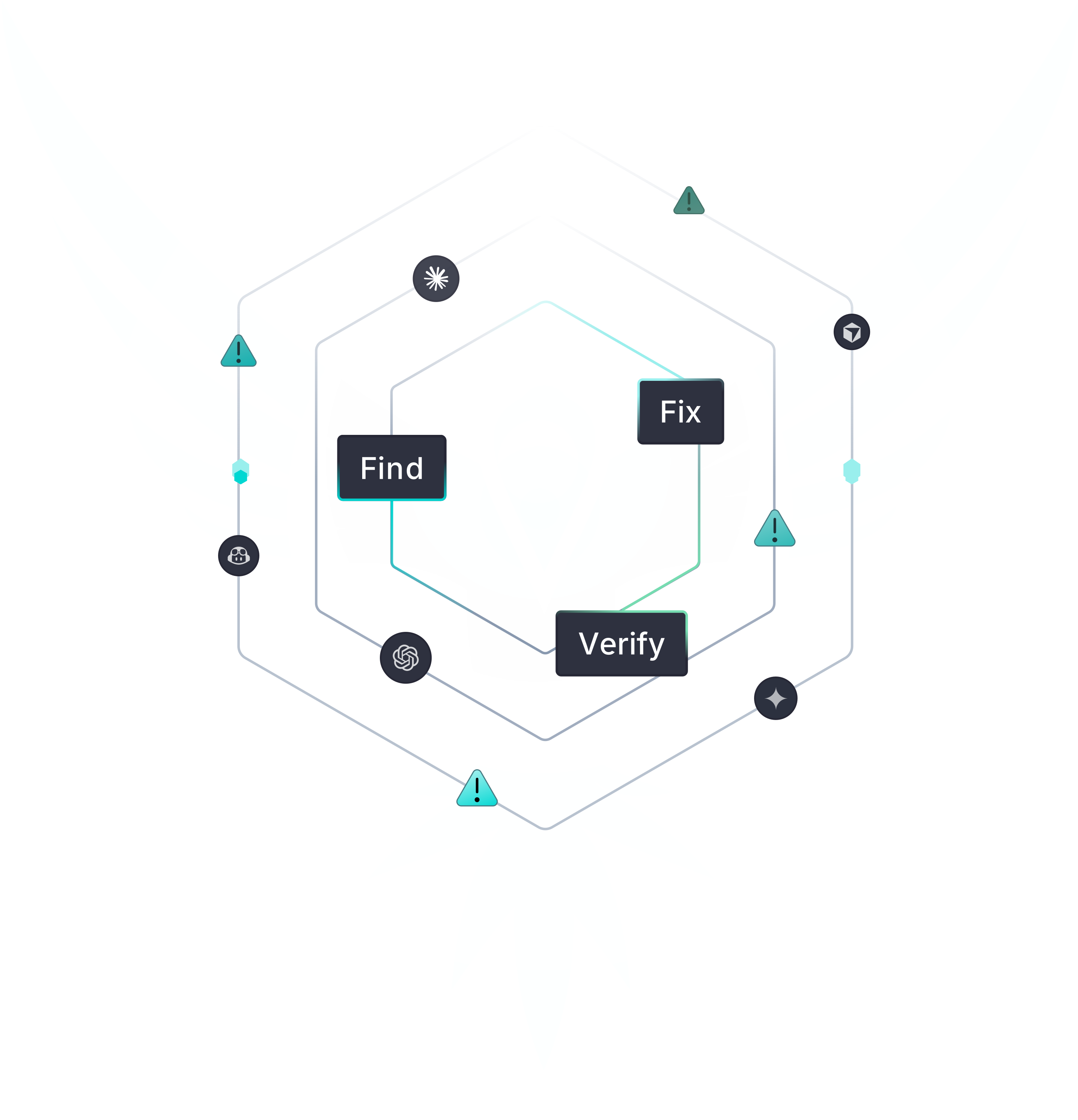
Configure StackHawk for any AI coding assistant with our agentic skills, hooks, and rules. Claude Code, Cursor, Codex, Gemini: same scanning engine, same platform.

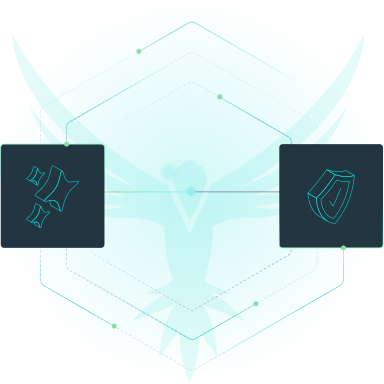
Two dark squares connected by lines—one with a wrench and gear, the other a shield with a checkmark. Faint background shows an abstract bird and hexagons, symbolizing robust AppSec Risk Prioritization or GraphQL & gRPC API Security.

Works with your agents, not against

StackHawk and your agent run the loop together. Findings return as structured context, fixes happen at the source, and rescans verify the work. All in the same session.

A digital graphic showing a central dark box labeled Third-Party Verified, with arrows and icons on each side representing code and security. Curved lines encircle the diagram, suggesting a secure verification process.

The 3rd-party validation you need in the AI era

Every scan, finding, and fix is tied to a commit and sent to the StackHawk platform, proving testing happened, without adding gates that slow developers down.

Use your coding agent as an AppSec force multiplier

StackHawk is transforming the legacy AppSec model from detect and triage to secure code by default. 
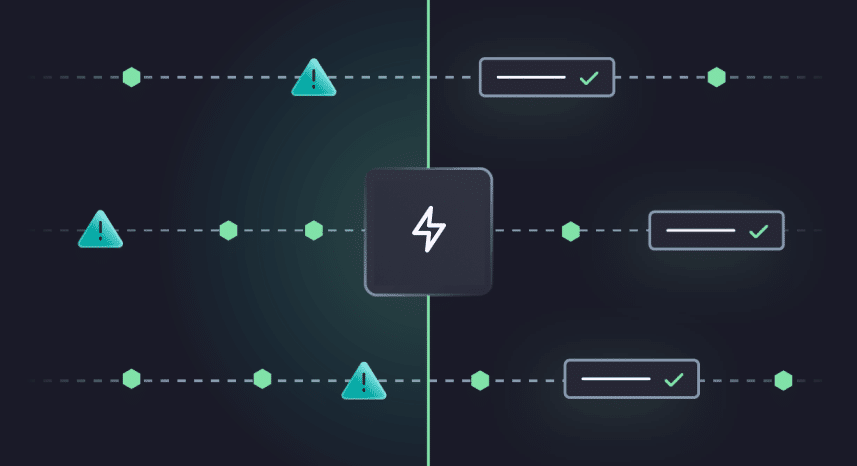
A dark-themed flowchart shows three horizontal paths with warning icons on the left and checkmarks on the right. A central lightning bolt icon divides the paths, symbolizing process improvement or faster resolution.

No new vulns in prod

Vulnerabilities are fixed before code is ever committed, closing the window before attackers can use it.

A dark digital interface with glowing green dots connected by lines, a shield icon, and a label that reads Verified Secure in a highlighted box at the bottom right.

Get speed and security

Security is never a blocker again, so you never have to pick between shipping and shipping safely.

A dark background diagram showing several lines with warning icons converging into a single square with a wrench symbol, representing problem-solving or troubleshooting.

Burn down your backlog

Create fixes, not tickets. No more triaging and your backlog shrinks instead of compounding.

See it in action

See how StackHawk can transform your AI coding agent into your AppSec force multiplier.