
Why Integrate StackHawk and Wiz?
Security teams are already drowning in alerts across disconnected tools, and AI-generated code is making it worse. StackHawk and Wiz bring application and cloud risk into one place, so teams can prioritize and take action quickly instead of manually cross-referencing systems.

Application and Cloud Risk in One View
StackHawk DAST findings flow directly into the Wiz Security Graph, correlated with the infrastructure context Wiz maintains. Teams can see what’s exploitable in the application layer alongside what’s at risk in the cloud in one place

Catch Issues Before They Reach the Cloud
StackHawk tests what’s about to be deployed into the infrastructure Wiz is protecting. Exploitable vulnerabilities get caught when they are easiest and cheapest to fix, before they become a cloud problem.

Prioritize and Remediate with Full Context
Wiz maps ownership, internet exposure, and blast radius, so when StackHawk findings arrive, you know the full impact. Developers can act quickly with request/response details, curl commands to recreate the attack, and remediation guidance from StackHawk.
How The Integration Works
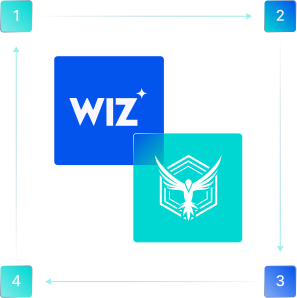
- ^StackHawk tests applications and APIs to surface exploitable vulnerabilities before they reach production.
- ^Findings sync to Wiz daily as attack surface enrichment data, organized by application and environment.
- ^Inside the Wiz Security Graph, StackHawk findings appear on the assets Wiz already knows, correlated with infrastructure context, ownership, and internet exposure data, so remediation reaches the right team immediately.
Interested in Seeing The StackHawk & Wiz Integration at Work?
Schedule time with our team for a live demo.
See StackHawk in Action
Schedule a 30-minute live product demo with expert Q&A

For more information about how StackHawk handles your personal data, please see our Privacy Policy.