
Security for Claude Code, Codex, Cursor, Copilot and Antigravity
Your agent ships fast.
Wingman makes sure it’s safe.
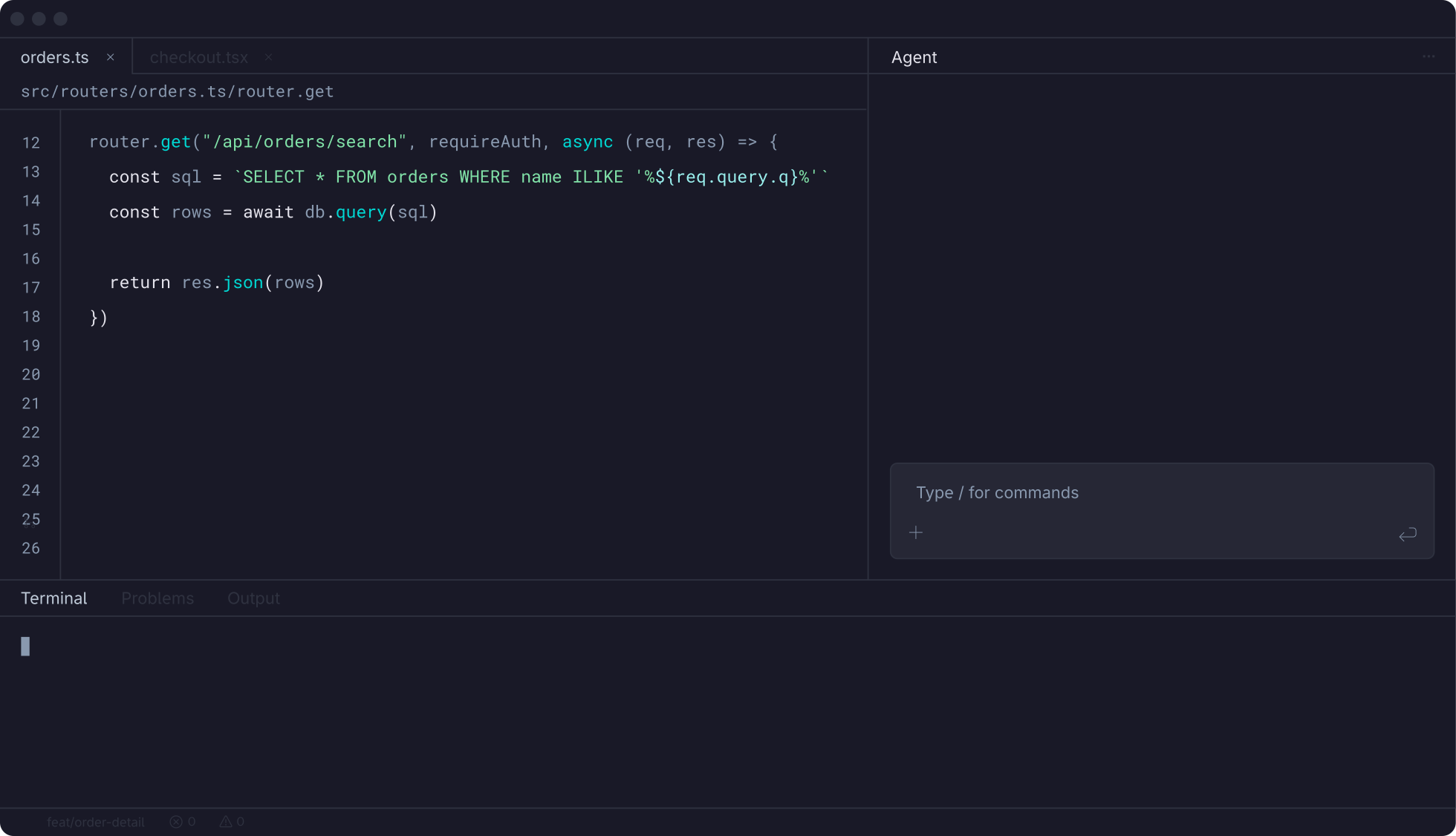
Real results from a single app
90
$100
“Done” means done…
and secure
It fires on its own
The plugin automatically scans at session start, after commits, and when your agent finishes responding. You can also request a scan anytime.

It tests the real app
Point the agent at your running app, local/dev/test/prod, and it hits it with real HTTP requests. Scan traffic never leaves your machine.

Your agent writes the fix
Your agent has your full source, so it fixes in your patterns. Every change lands in your working tree as a normal git diff.

It proves the fix
A rescan confirms the vulnerability is gone. CI gets a clean signal. Every test ties to a specific commit, documenting exactly what shipped secure.

Static analysis guesses
Wingman proves it
Real requests, real results
Wingman sends actual HTTP requests at your running app. If it reports a vulnerability, the attack got through.
Your agent does the triage
Wingman reports, your agent decides if a finding is real and fixable, then handles it in your codebase. Nothing lands in your queue.
Logic flaws included
Broken access control and business logic bugs only show up in a running app, where the code reads fine but the behavior is not.

What Wingman catches
Common examples from 150+ vulnerability types
Vulnerability
What it exposes
You stay in control
Wingman doesn’t touch your code
Your coding agent writes the fix, under the permissions you already gave it. In approve mode you approve each edit. In auto mode you review the diff.
Your code stays yours
Scan traffic stays on your machine. What goes to the StackHawk platform is findings and application profiles, not your source.
Ask what changed
Ask your agent to walk you through what it changed and why. It has the finding and the fix in the same context.
Getting past your login
The skills try to work out how your app authenticates. Tell the agent how login works and it stops guessing and configures testing with reliable authentication.
You choose when
The hook only scans when a scan is warranted, not on every edit. Ask for one directly any time you want it sooner.
Tuned to your app
Your agent tunes the testing profile based on your application, its settings, and configuration.
Nothing to learn. Nothing to triage.
You never have to read a CWE to ship a fix
No severity math
You never have to decide which findings matter enough to fix. Everything discoverable and exploitable gets fixed, so there’s no ranking to do.

No policy tuning
No dashboards, no custom policies, no scan configuration to maintain. The agent handles setup and generates the config for you.
No security ticket later
The issue is closed before the PR exists, so nobody files it against you three sprints from now.

Rolling it out to a team
One install pattern, every engineer, no security hire. Teams across every industry run Wingman the same way.
Per machine, not per repo
Wingman installs on developers’ machines so every project gets covered. No repo gets left out because nobody configured it.
Not just engineers
Anyone, or anything, shipping code from an agent gets the same loop, whether they write software for a living or not.
Ten dollars a head
$10 per user per month, unlimited apps, 50 scans each. No per-app or per-scan math.
Give your coding agent an AppSec wingman.
$10 per user per month. 14-day free trial, no credit card.