


 Semgrep
 GitHub
 Snyk
Snyk Endor Labs
 AWS
AWS


Automated Business Logic Testing At Dev Velocity
StackHawk’s Business Logic Testing automates multi-user authorization testing to find BOLA and BFLA vulnerabilities that legacy DAST tools miss.
Traditional Scanning Misses the Risks That Actually Get Exploited
Traditional DAST tools fire generic payloads at endpoints without understanding business rules, creating a massive blind spot where real attacks happen. StackHawk tests your actual business logic to catch authorization flaws before production.

SAST Can’t Prove Runtime Behavior
Static analysis flags suspicious code patterns but can’t validate whether authorization actually works as intended when your application runs. Authorization flaws only appear at runtime with real user sessions and actual data, not in static code.

Traditional DAST Doesn’t Do Multi-User Testing
Traditional DAST tools scan with one user session. But you can’t test “Can User A access User B’s data?” with only one user. These tools find SQL injection and XSS, but completely miss authorization flaws that require testing how different users interact with the same resources.

Manual Pentesting Doesn’t Scale
Pen testers excel at business logic testing, but manual testing is expensive and doesn’t scale with development. When developers ship code multiple times daily, pen testing becomes a point in time audit instead of continuous validation.
How StackHawk’s Business Logic Testing Works
Context-aware test orchestration with transparent multi-user testing
Easy-To-Configure Multi-User Test Profiles
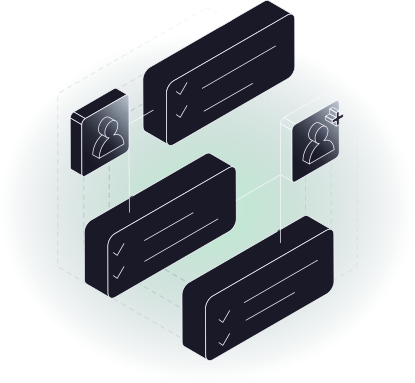
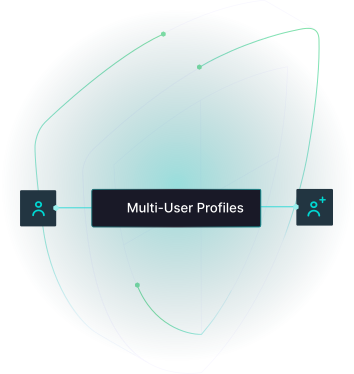
StackHawk’s Business Logic Testing starts with simple configuration. StackHawk enables multiple user profiles (typically admin, standard member, and guest) to be configured with their credentials and privilege levels.
This enables tests to simulate realistic scenarios where different users interact with the same API endpoints.
Context-Aware Test Orchestration
Business Logic Testing is powered by Smart Crawl which analyzes your OpenAPI specs and automatically generates intelligent test sequences—no manual test flow configuration required.
It understands how your APIs relate to each other: which endpoints should be called in sequence, what data from one response feeds into the next request, and how to test authorization boundaries across user profiles.
Review Findings with Complete Evidence
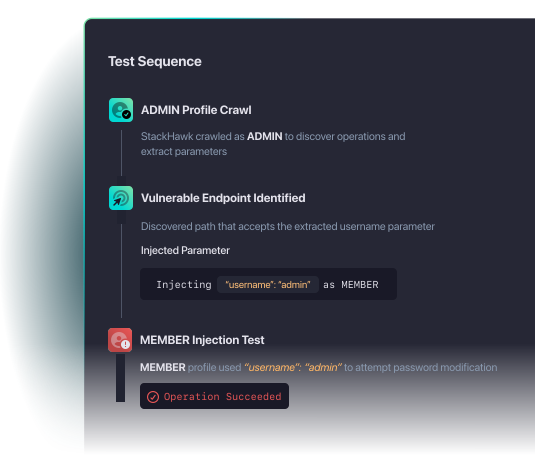
Each finding includes full request/response data for both privileged and unprivileged users, plus developer-friendly remediation guidance delivered before code goes live.
Learn More About Business Logic Testing
See how leading teams automate authorization testing that previously required manual pen testing. Get step-by-step guides for configuring multi-user tests, integrating with CI/CD, and remediating BOLA and BFLA vulnerabilities faster.
What StackHawk’s Business Logic Testing Different
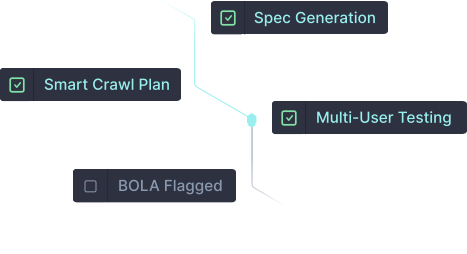
Automates What Manual Testing Can’t Scale
StackHawk automates the repetitive authorization testing that consumes valuable pen testing time, allowing teams to redirect expert resources toward complex attack scenarios and sophisticated exploits that still require human creativity.
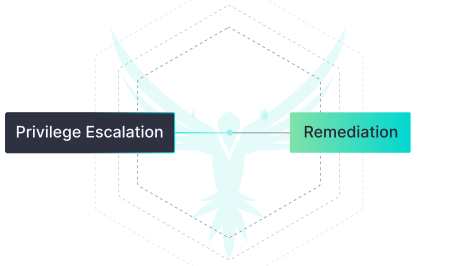
Catches Vulnerabilities That Actually Cause Breaches
Built to Extend StackHawk’s
Best-in-Breed Testing
Business Logic Testing is built into StackHawk’s AppSec Intelligence Platform, giving customers a source of truth to discover APIs from code, run comprehensive DAST scans in CI/CD pipelines, and test for authorization risks in stable staging/test environments.
Get Started with Automated
Business Logic Testing
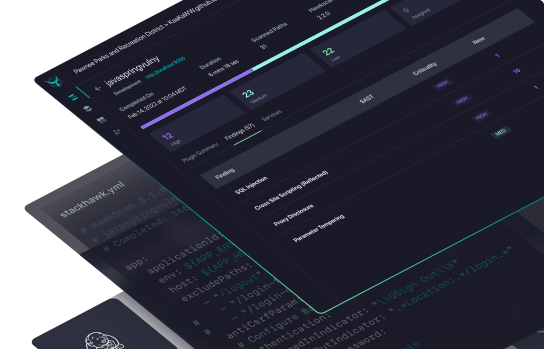
StackHawk surfaces business logic vulnerabilities that other DAST tools miss.
See StackHawk in Action
Schedule a 30-minute live product demo with expert Q&A

"*" indicates required fields
For more information about how StackHawk handles your personal data, please see our Privacy Policy.