
Why Runtime Testing
AI Changed The Math On AppSec Runtime Testing Is How You Keep Up
AI is shipping code faster than humans can review it, into architectures that static analysis was never built to see. Runtime testing catches what everything else misses.
Code Volume Is Up. So Are Alerts.
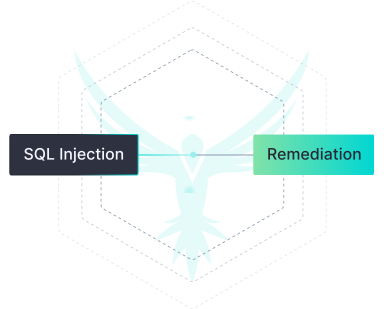
SAST flags patterns without exploitability context, distracting teams from the risks that actually need fixing.
Static Analysis Alone Leaves Gaps
New Attack Surfaces Are Major Blind Spots.
How It’s Built
It’s DAST, But Different
Three things make StackHawk different: where it runs, what it’s built for, and how developers actually use it.
Runs where your code runs
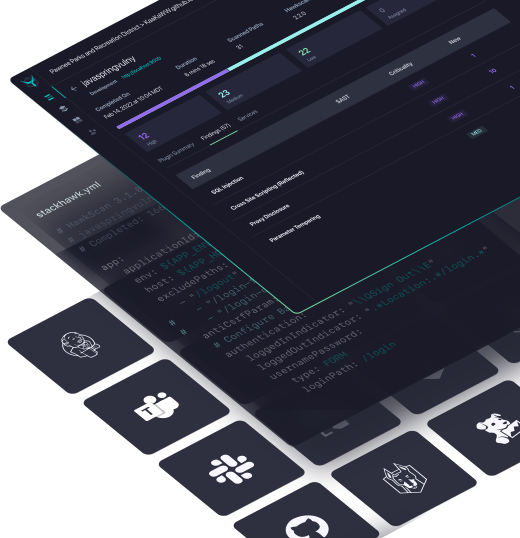
Ephemeral scans that fit into any pipeline, any environment. No vendor cloud, no traffic traversing the internet to reach your apps.
- CLI or Docker container; spins up and shuts down per scan
- YAML config-as-code, versioned alongside your app
- Executes directly in GitHub Actions, GitLab, Jenkins, CircleCI
Built For Microservice Architectures
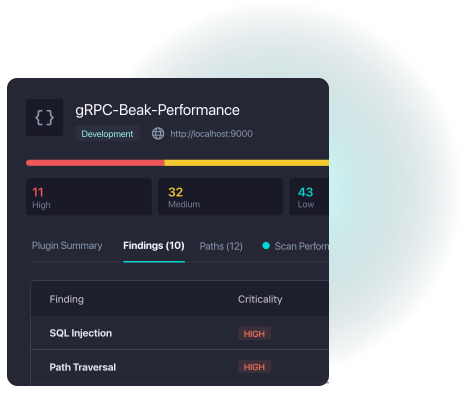
Small, fast services tested in minutes, not hours. Coverage scales as your app surface grows.
- Microservice-first architecture with full API testing support
- Parallel execution alongside existing CI/CD tests
- Incremental testing on code changes, not full-app rescans
Developer-Native Workflow
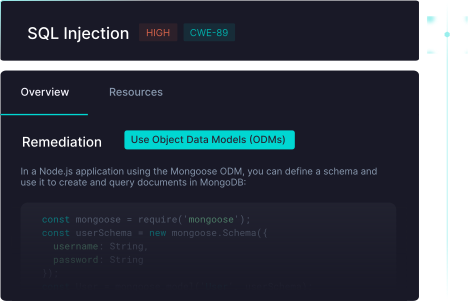
Findings land where developers already work, with the context to act on them immediately.
- Results in PR comments, Slack, Jira, and Datadog
- Re-run only failed tests to validate fixes before merge
- Fix guidance developers can act on without security handoffs
Loved by Devs.
Trusted by AppSec.
Backed by Badges.
What We Test
DAST Is What We Do, But This Is What We Test

API Security Testing
REST, GraphQL, SOAP, and gRPC tested the way they actually run, with real requests, auth flows, and attack scenarios across your full API surface. We auto-generate specs to scale coverage as your API footprint grows.

LLM Security Testing
AI features introduce risks that static tools can’t see. StackHawk tests LLM interfaces for risks like prompt injection, data leakage, and unvalidated model outputs at runtime, where these vulnerabilities actually surface.

Remote MCP Server Security Testing
As agents connect to external tools and data through MCP, those interfaces need to be tested for injection, unauthorized access, and data exposure before they reach production — and that’s what StackHawk does.
More Than Testing
Extended by our AppSec Intelligence Platform
API discovery from source code
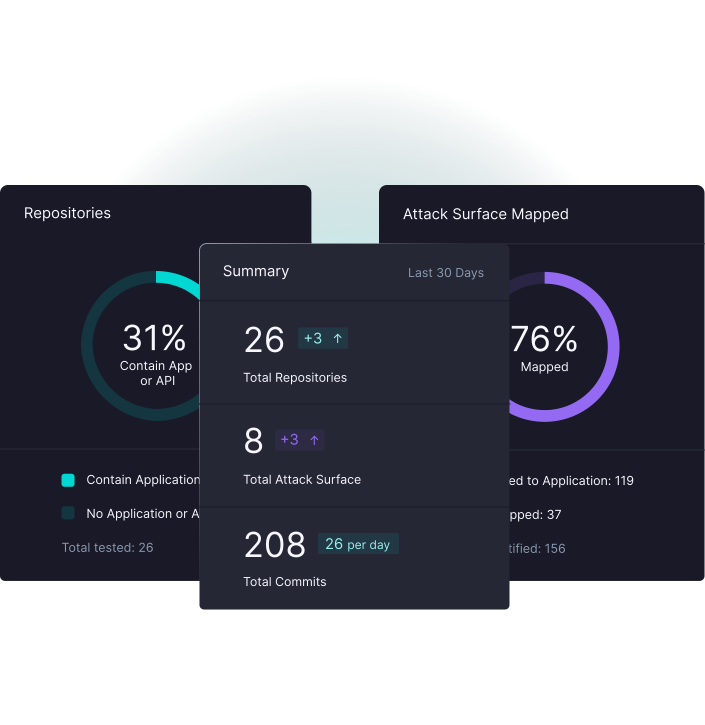
Integrate your SCM and StackHawk maps every API and app component from the code itself — including shadow APIs and AI/LLM interfaces
Risk-based prioritization
Risk insights from code focus testing on the repositories and applications that carry the most exposure
Deep integrations
Native connections to GitHub, GitLab, Jira, Slack, Datadog, and the SIEM and ticketing tools your teams already run
Program-level intelligence
Tracks coverage, vulnerability trends, so AppSec leaders can prove program value
How It Compares
Dynamic Testing for the AI Era

Legacy DAST Problems:
- Tests production, where fixes mean rollbacks and firefighting
- Brittle config that breaks and needs rebuilding
- Too slow to run on every build
- Misses authorization and business logic flaws that cause breaches
- Built for monoliths and known endpoints

StackHawk’s Modern Approach:
- Can test pre-production, where fixes are 50% cheaper
- YAML config-as-code, versioned with your app
- Scans in minutes, run locally or in CI/CD
- Catches the runtime vulnerabilities that cause breaches
- Built for APIs, microservices, and AI interfaces
StackHawk DAST FAQs
How is StackHawk different from static analysis tools?
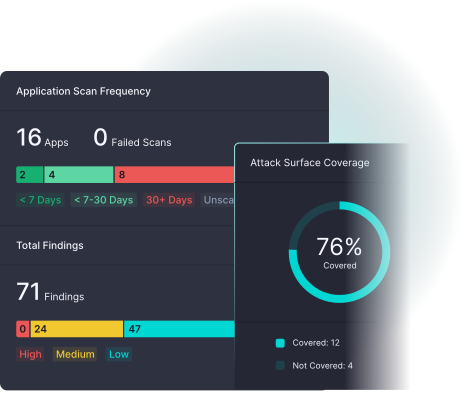
Static analysis examines code patterns but can’t detect runtime vulnerabilities like authorization bypasses or business logic flaws. StackHawk tests APIs as they actually operate, finding the critical security issues that only emerge when applications are running.
What makes StackHawk different from legacy DAST tools?
Won't running security tests in CI/CD slow down our builds?
How does StackHawk handle modern authentication and API complexity?
What about false positives? Will this create noise for our developers?
Can StackHawk scale with our development team growth?
Can you write custom scripts?
Yes, with StackHawk you can create custom test scripts to cover specific scenarios for your application.
Does StackHawk only scan APIs?
We focus on APIs because they are the biggest, fastest-growing attack surface for modern apps, and that is where we provide the best value, but you can scan SPAs and classic web apps with StackHawk as well.
Can you schedule scans?
You can schedule tests with StackHawk using any scheduling tool your team already uses, such as cron jobs, CI/CD pipeline schedules, or enterprise schedulers.
Get ahead of your backlog today
See how StackHawk enables security at the pace of AI development.
See StackHawk in Action
Schedule a 30-minute live product demo with expert Q&A

For more information about how StackHawk handles your personal data, please see our Privacy Policy.