


 Semgrep
 GitHub
 Snyk
Snyk Endor Labs
 AWS
AWS


Delivering Secure Applications, Simplified
Test Early, Test Often, Deliver Secure Application
Like any other aspect of software engineering, accruing security tech debt is easy. With automated application security testing, however, teams are able to get ahead of the tech debt burden and deliver securely from the beginning. When developers are notified of a newly introduced vulnerability on the pull request, fixes are simple while still in context of the code they were working on.
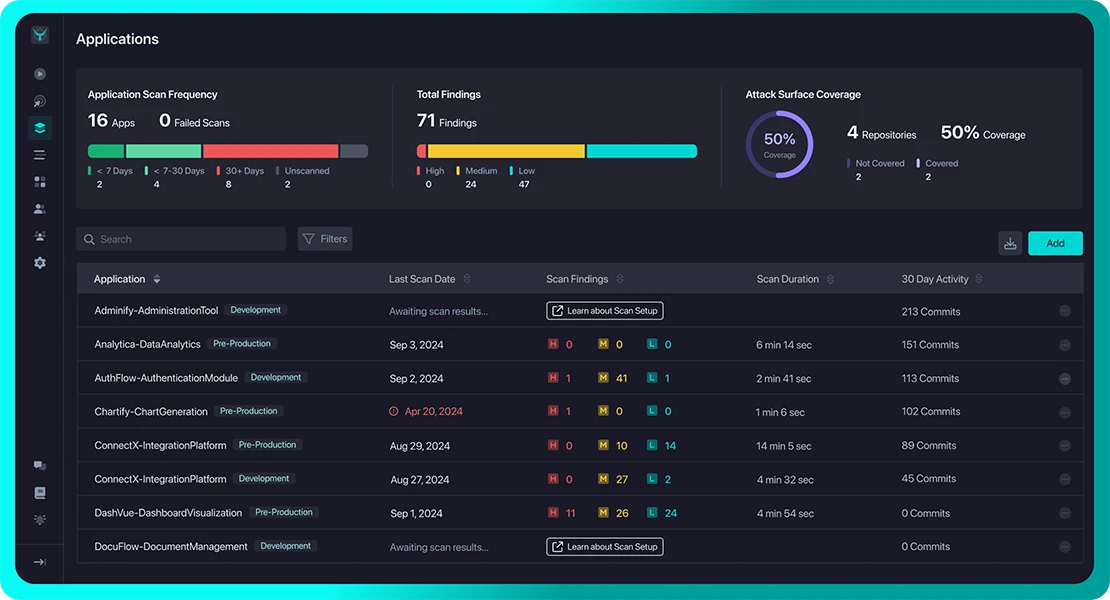
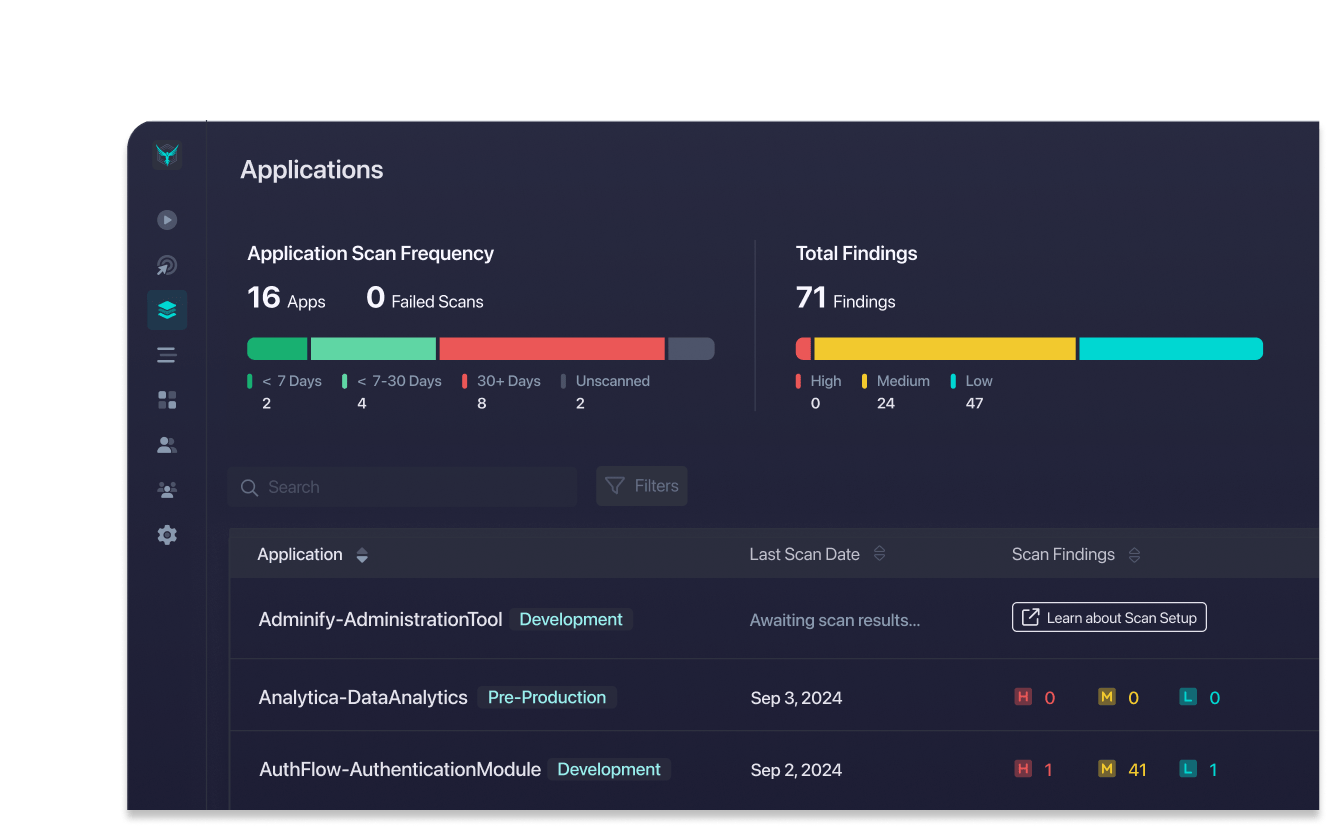
Start Today with StackHawk
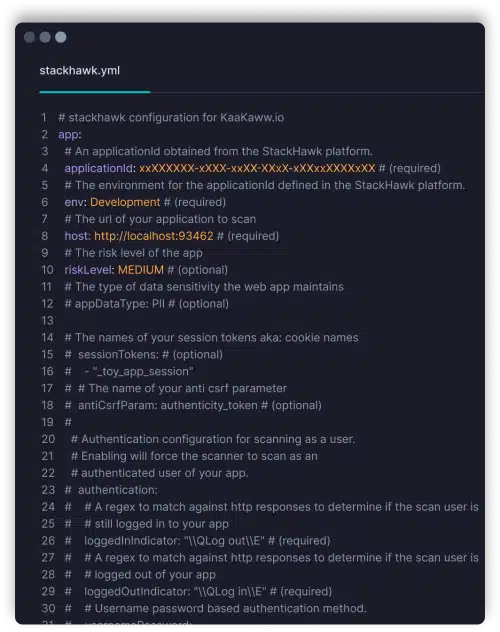
Developer Friendly Config and Deploy
Getting started with application security testing is simple with StackHawk. Build the YAML config and kick off a scan with a Docker command. No need to become an application security expert and learn new tooling.
- YAML configuration as code
- Docker-based scanner
- Scan anywhere, from localhost to CI/CD
- Microservice and API scanning
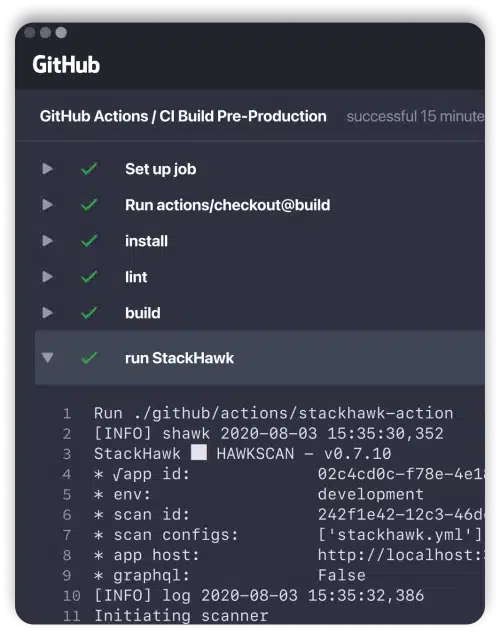
Test Automated in CI/CD
Think of StackHawk like any other automated testing. Check for newly introduced vulnerabilities on each release, notifying developers if the build does not pass. Stop counting on developers to remember secure development rules – automate testing instead.
- Catch vulnerabilities before production
- Shorten fix times with alerting while in context
- Democratize AppSec throughout engineering
- Customizable logic for blocking / passing builds
Self-Service Fixes
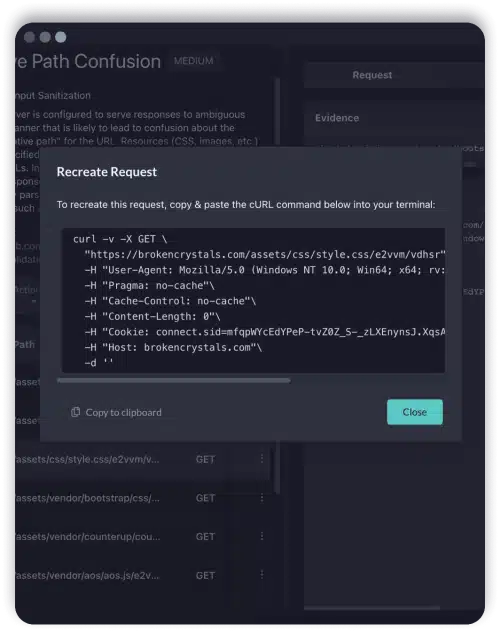
When a security bug is found, engineers are equipped to triage and fix themselves. StackHawk provides an overview of the vulnerability, details on how to fix, and a curl command generator to recreate the same finding.
- Request / response evidence for findings
- cURL command generator to recreate finding
- Localhost scanning to validate fixes
- Vulnerability overviews and fix guides
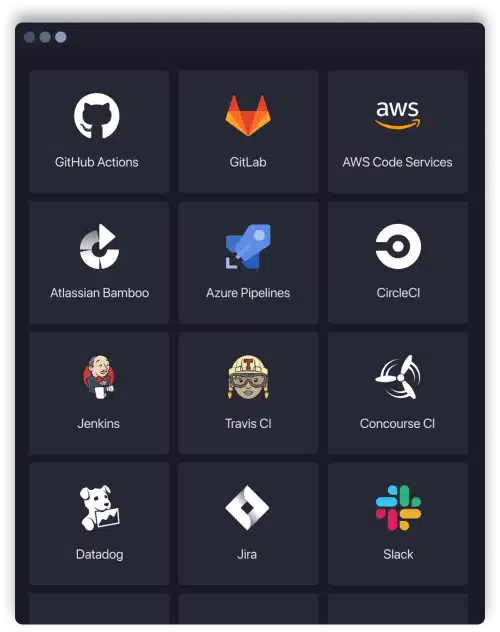
Integrated with Existing Workflows
Security should not be siloed form application development, and tooling should not be either. StackHawk integrates with existing developer tooling and workflows to ensure that finding, triaging and fixing vulnerabilities is simple.
- Alert on scans and findings in chat tools
- Manage findings in existing ticketing systems
- Automatewith CI/CD pipeline integrations
- Manage configuration as code
Interested in seeing StackHawk at work?
Schedule time with our team for a live demo.
Get Hands-on Experience.
Give Us a Test Drive!
We know you might want to test drive a full version of security software before you talk to us. So, Get It On!